
Retouch4me: AI Retouching Plugins That Cut Hours Off Every Photo Edit
A family of AI Photoshop and video plugins that handle skin, dodge & burn, backdrops, dust and color matching — with a free trial and per-plugin pricing.
A family of AI Photoshop and video plugins that handle skin, dodge & burn, backdrops, dust and color matching — with a free trial and per-plugin pricing.
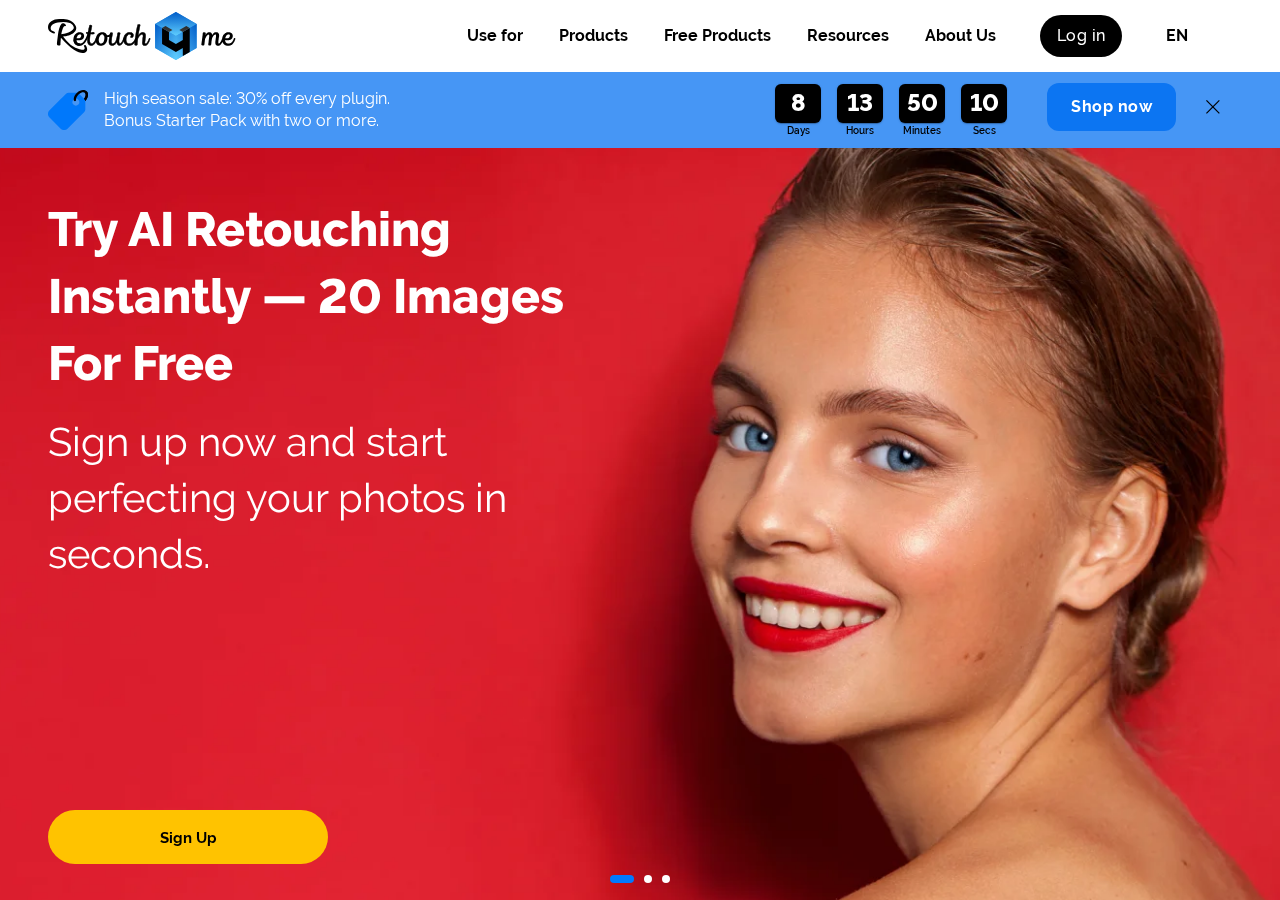
Retouch4me is a set of neural-network plugins built by photographers for photographers, and the pitch on the homepage is blunt: try AI retouching instantly, twenty images for free. Instead of one giant do-everything app, the company ships a family of small, single-purpose plugins that drop into Photoshop (and, for the video line, into Premiere Pro, After Effects and DaVinci Resolve). Each one was trained on thousands of images hand-retouched by professional retouchers, so what the plugin outputs is not a generic beauty filter — it is an approximation of what a skilled human would have done with a Wacom pen on that exact frame. You install it, open a photo, click the plugin, and the routine part of the job is finished in a couple of seconds while the creative decisions stay with you.
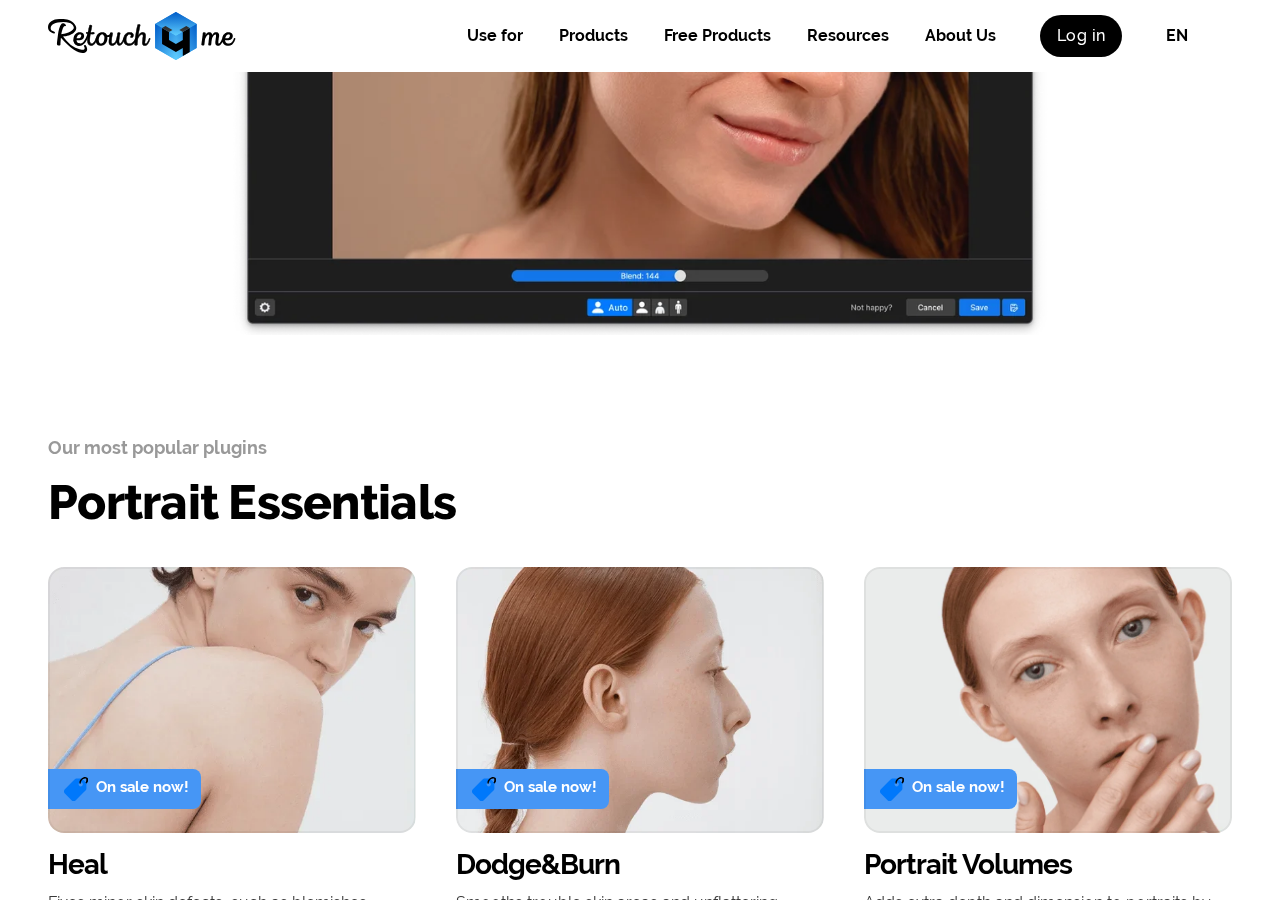
The Portrait Essentials group is where most people start. Heal fixes minor skin defects — blemishes, pimples, post-acne marks, enlarged pores — without turning skin into plastic. Dodge & Burn smooths trouble skin areas and the unflattering shadows and highlights that survive a good light setup. Portrait Volumes adds back depth and dimension that heavy retouching tends to flatten. Around that core sit the specialists: Clean Backdrop for seamless paper and studio walls, Stray Hairs for the flyaways nobody wants to clone-stamp, White Teeth, Mattifier, Skin Tone, Skin Mask, Fabric, Dust and Color Match. Because they are separate products, you buy only what your genre needs — a wedding shooter, an e-commerce studio and a school-portrait volume house all end up with different carts, and none of them pays for the other's tools.
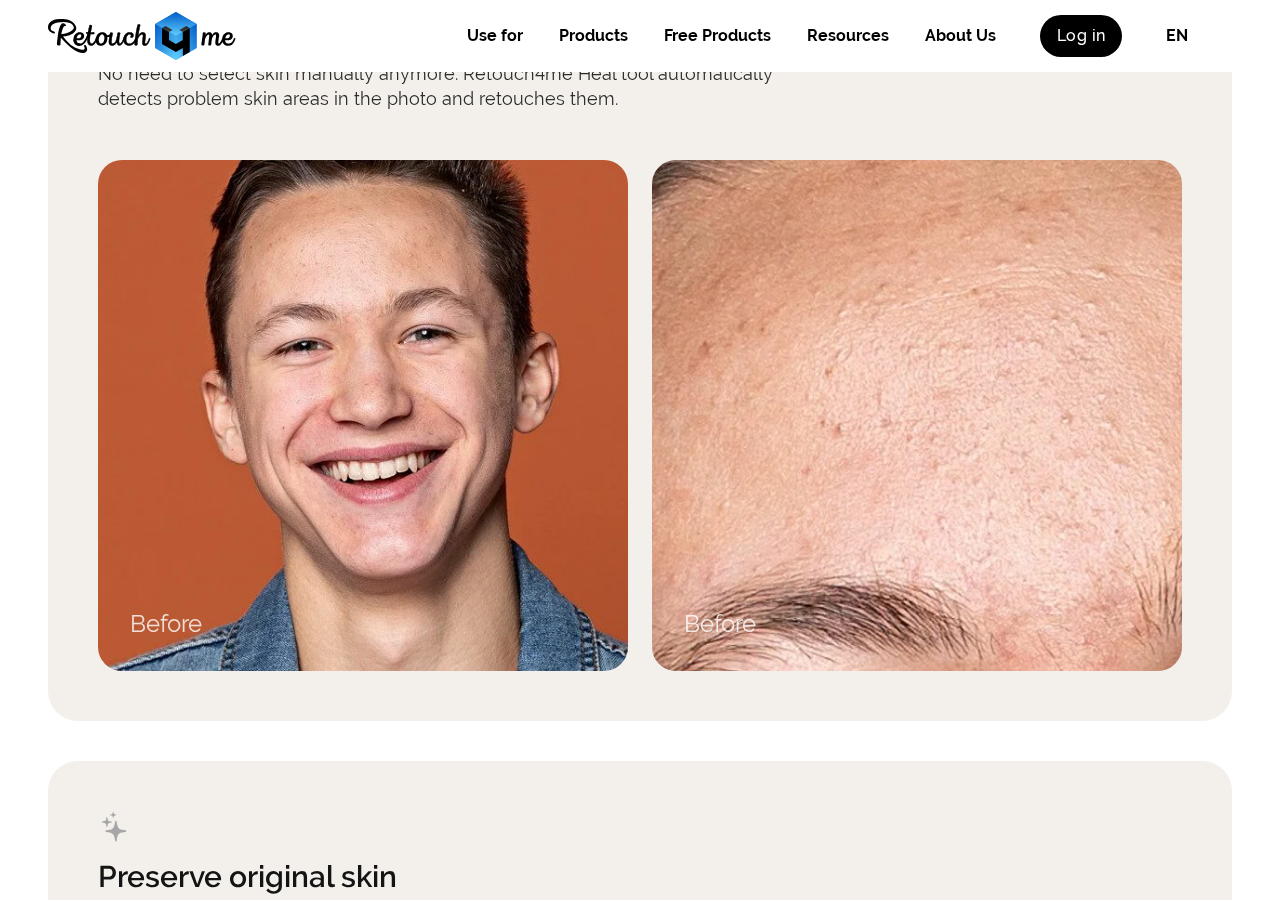
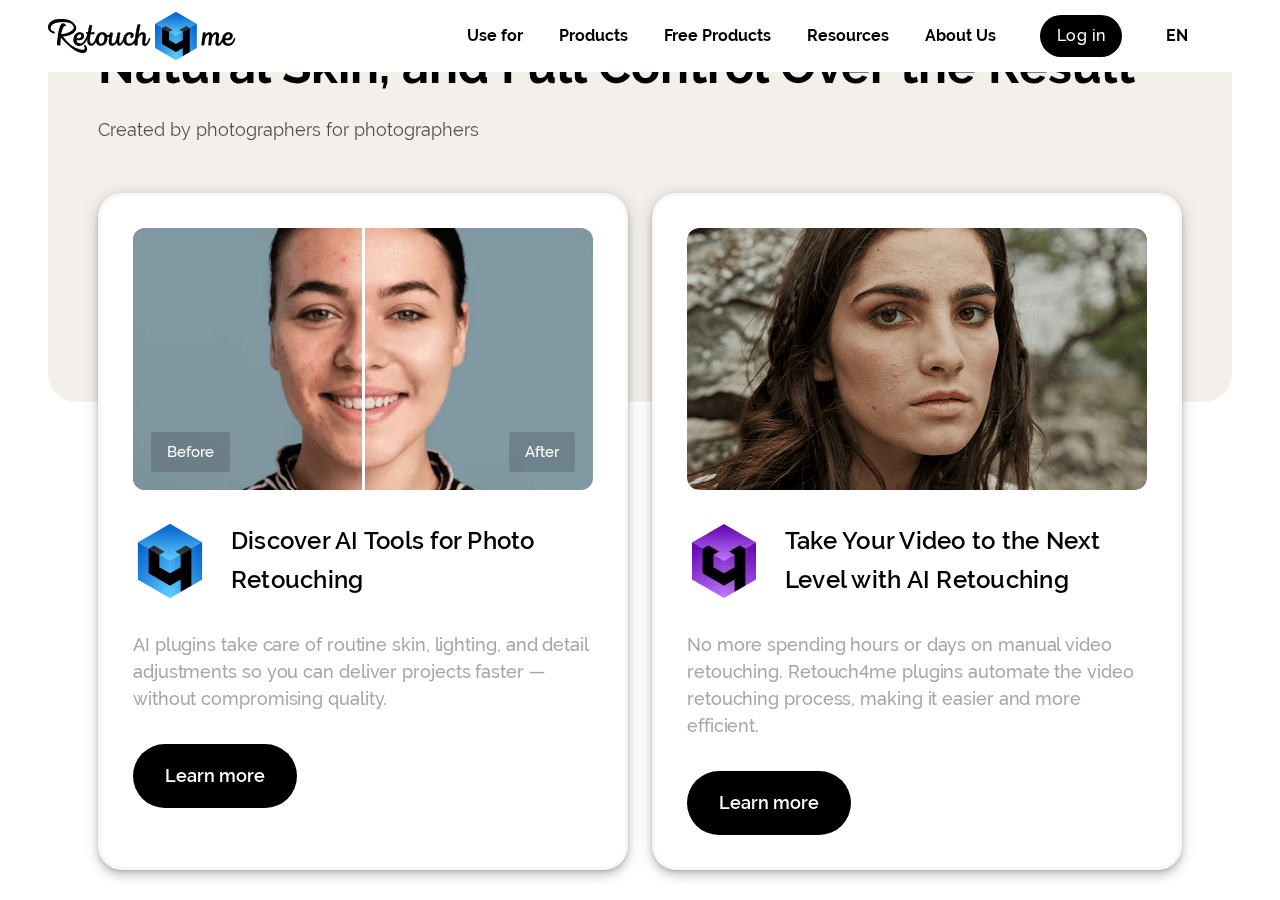
The product pages lean hard on before/after pairs, and that is the right way to judge this category. On the Heal page the demo is a close crop of forehead texture: the 'before' shows visible pores, uneven tone and small blemishes; the 'after' keeps the pore structure and skin grain intact while the defects disappear. That distinction matters more than any marketing line — the whole failure mode of automatic retouching is that it removes texture along with the flaw, and Retouch4me's explicit design goal, stated on the page as 'preserve original skin', is to avoid exactly that. Every plugin also exposes a Blend slider in its panel, so if the automatic pass is stronger than you want, you dial it back to 60 or 70 percent and stack a manual layer on top. It is a tool, not a verdict.
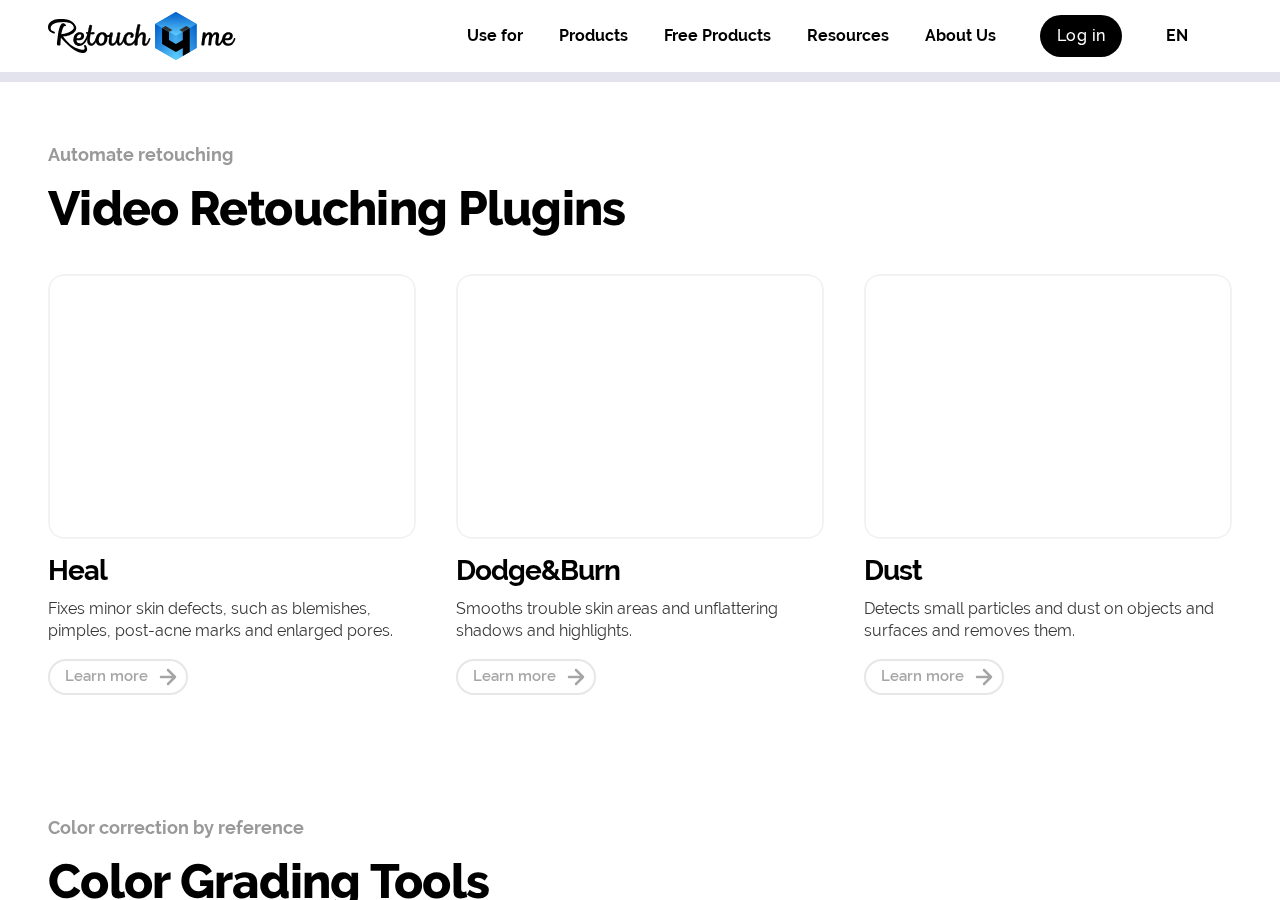
The part people miss is that the same engines run on footage. The Video Retouching Plugins page lists Heal, Dodge & Burn and Dust for video, plus a Color Grading set built around Color Match and 3D LUT tools. For a talking-head interview or a wedding film, this replaces the worst job in the timeline: frame-by-frame skin cleanup that used to mean either paying a specialist or accepting whatever the camera saw. Because the plugins run inside the NLE rather than exporting stills, you keep your existing conform, and the retouch travels with the clip when you re-cut. Color Match is the quiet workhorse here — hand it a reference frame and it pushes the rest of your footage toward that grade, which is how you get twelve angles from three cameras to look like one show.
Retouch4me's pricing model is per-plugin rather than a monthly all-you-can-eat subscription, and the site runs seasonal discounts (30% off every plugin, plus a bonus Starter Pack when you buy two or more, at the time of writing). The pricing page opens with a short three-question quiz — retoucher, photographer or videographer — and recommends a set based on your answer, which is genuinely useful if you don't yet know whether Skin Mask or Portrait Volumes is the one that fits your workflow. My advice: take the free trial first, and test it on your worst files, not your best ones. Run twenty images that you'd normally dread — mixed lighting, difficult skin, a busy backdrop — and time yourself. If the plugin saves you fifteen minutes per image on a hundred-image wedding gallery, the arithmetic answers itself. If it doesn't, you've lost nothing but an evening.
Plugin availability, trial limits and pricing are set by Retouch4me.