
AdGuard: The All-in-One Ad Blocker, VPN and Private DNS Suite
Ad blocking that survives on every device, a real VPN, and a private DNS — a plain guide to what AdGuard actually gives you.
Ad blocking that survives on every device, a real VPN, and a private DNS — a plain guide to what AdGuard actually gives you.
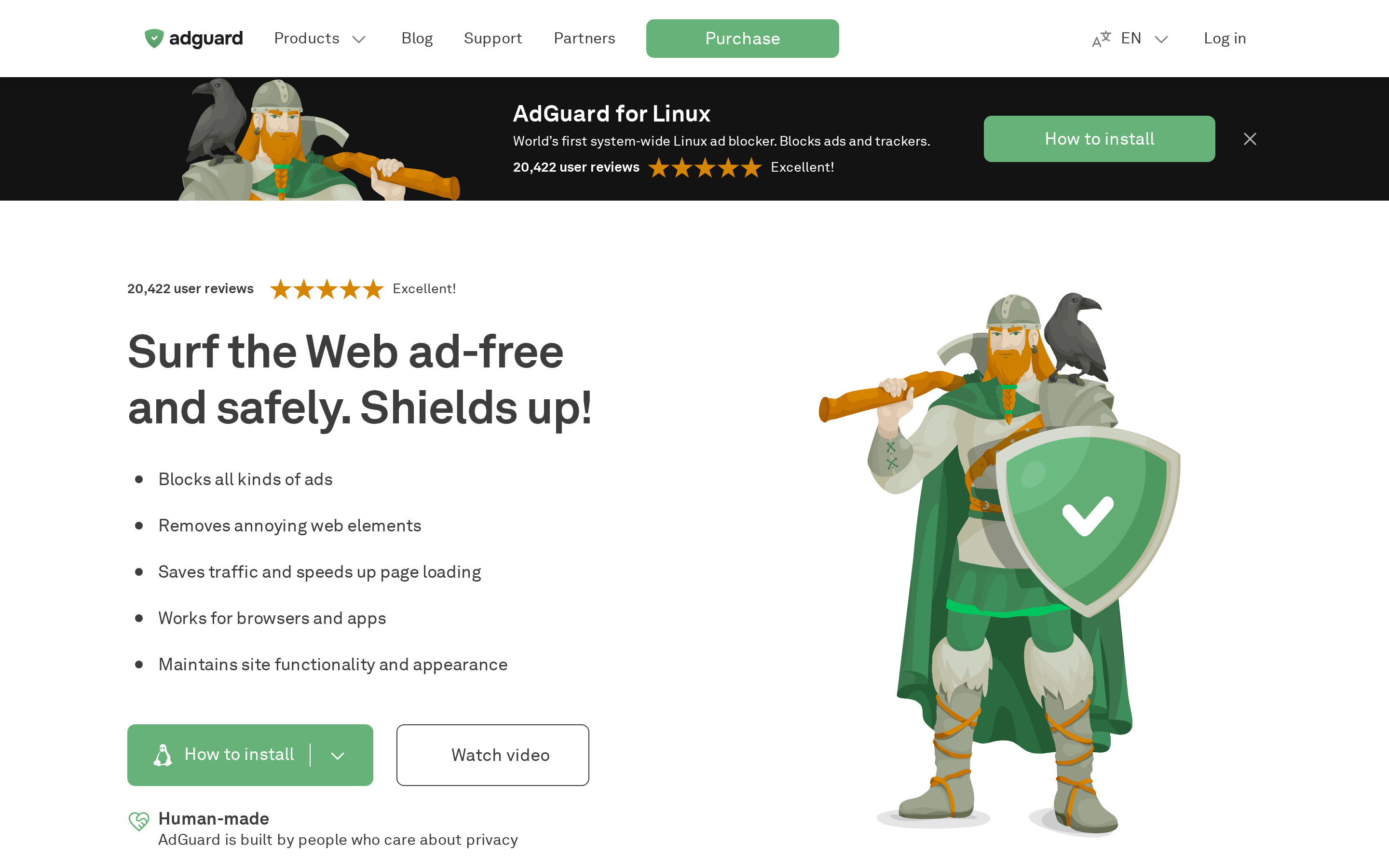
AdGuard started in 2009 as a Windows ad blocker and has since grown into a full privacy suite. The adguard.com homepage points at three flagship products — AdGuard Ad Blocker (desktop and mobile apps that filter ads system-wide, not just inside one browser), AdGuard VPN (a fast, no-logs VPN with servers in more than 50 countries) and AdGuard DNS (a public and private DNS resolver that blocks ads, trackers and phishing before your device even connects). Everything runs on the same account, so once you sign in on your laptop the phone picks up your license automatically. Unlike a browser extension, the standalone apps sit at the OS level: they clean ads inside apps, streams and games, not just web pages.
AdGuard's flagship app installs on Windows, macOS, Android and iOS and works everywhere HTTP(S) traffic flows through your device. That means the same filters that hide banners on a news site also block pre-roll inside a streaming app, mute the mid-scroll autoplay ads in a social feed and cut third-party trackers before they can load their scripts. The Stealth Mode panel exposes what the network is doing in plain English — cookies stripped, referrers spoofed, WebRTC leaks blocked — and the Parental Control module lets you filter adult sites and dangerous domains with one toggle. On desktop the app also ships an HTTPS-filtering module that a normal browser extension simply cannot match, because it can inspect traffic before it reaches the browser sandbox.
The VPN piece is not a rebadged partner service — AdGuard runs its own network of servers across more than 50 countries and its own custom protocol tuned for low latency. Once you install the app you get a country picker, a kill switch, split tunnelling (whitelist banking apps to skip the tunnel, for example) and DNS-level ad blocking that stays on even while connected. The privacy policy is explicit about no-logs: no traffic contents, no browsing history, no connection timestamps tied to your account. A free tier ships with a modest monthly data cap so you can test-drive it on Wi-Fi at an airport before paying; paid plans unlock unlimited data, all locations and use on up to 10 devices at once.
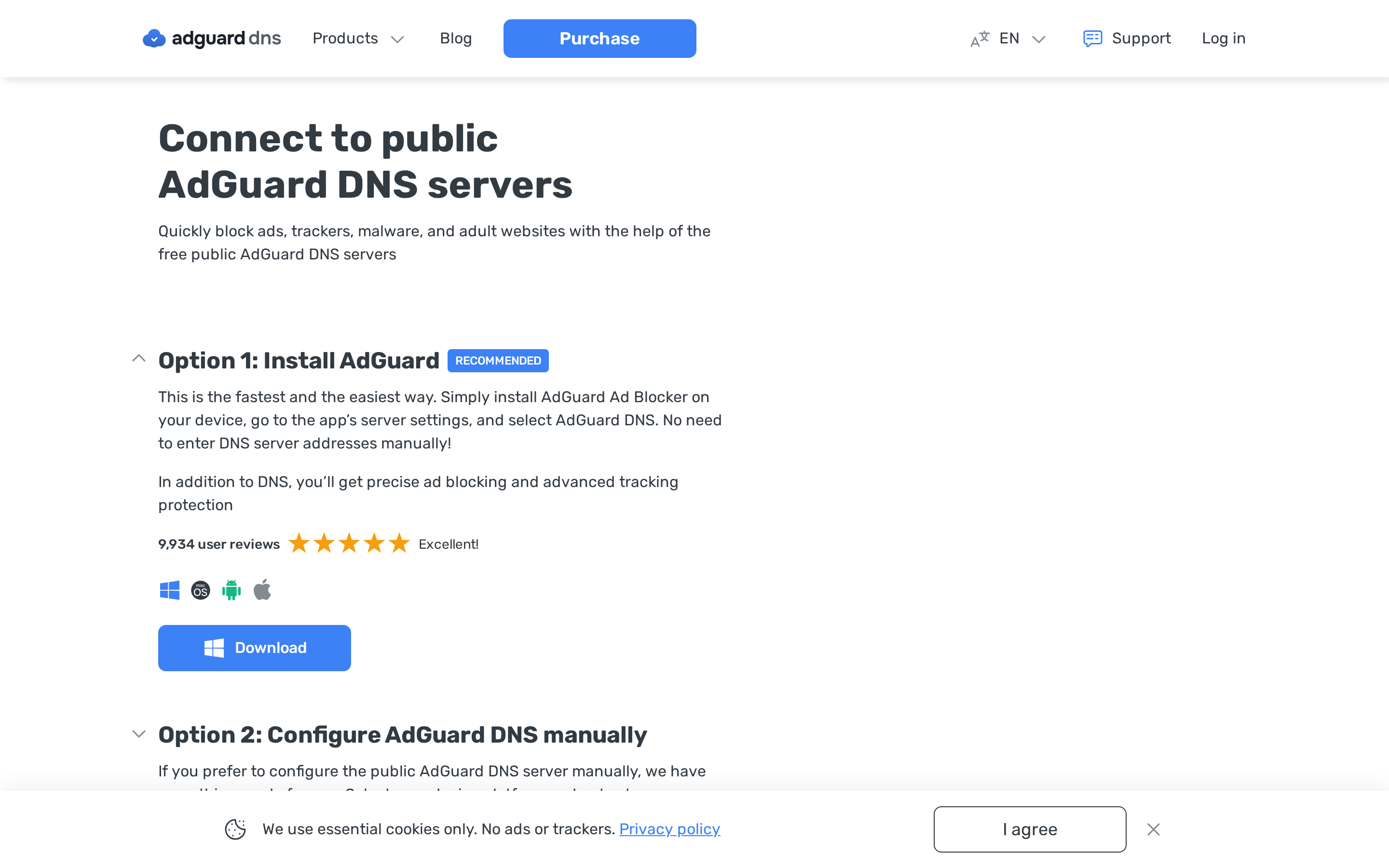
AdGuard DNS is the piece most people miss. Change your device's DNS to AdGuard's public resolver (there's a Default profile, a Family Protection profile that also blocks adult sites, and a Non-filtering profile if you just want the encryption without blocking) and every device on the network stops resolving ad domains. It supports DNS-over-HTTPS, DNS-over-TLS and DNS-over-QUIC, so a router or a phone with modern OS support can encrypt its lookups end-to-end. The paid Private DNS tier goes further: you get a personal dashboard on adguard-dns.io with per-device stats, custom block/allow lists, per-client rules and query logs you can inspect — the kind of visibility a home network usually only gets from running Pi-hole yourself.
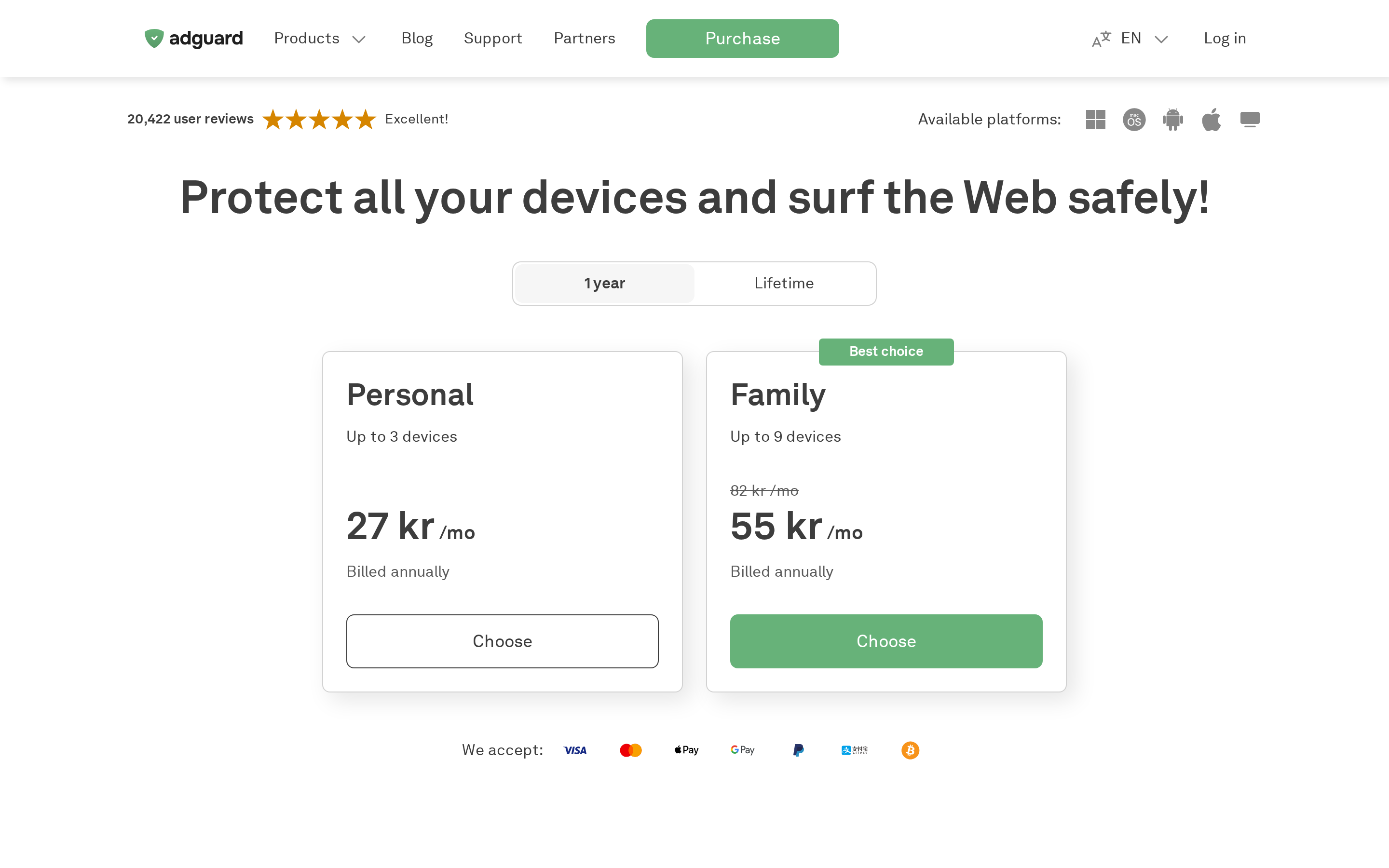
The license page on adguard.com is refreshingly boring: personal or family, one year or lifetime, three devices or nine, no auto-renewal tricks. The Ad Blocker and VPN are sold as separate licenses (a bundle exists) and the DNS Private tier is billed by monthly query volume rather than seats. To actually start: install the Ad Blocker on the device you use most, sign in with the same account on your phone, run the built-in filter update, then decide whether you also need the VPN based on how much you travel or use café Wi-Fi. Switch your home router's DNS to AdGuard's public resolver last — it's the single change that quietly protects every guest, TV and smart bulb on the network without them ever installing anything.
Free tier available. Paid plans and features set by AdGuard.